Living room & TV
Android TV & Google TV
Smart TVs, Nvidia Shield, Chromecast with Google TV and Android set-top boxes.
Google Play Store
Channels, films, series and playlists, together in an interface made for all your devices.
Turn plain playlists into a browsable library. iAm Player automatically adds official posters, full synopses, cast details and ratings from TMDB.
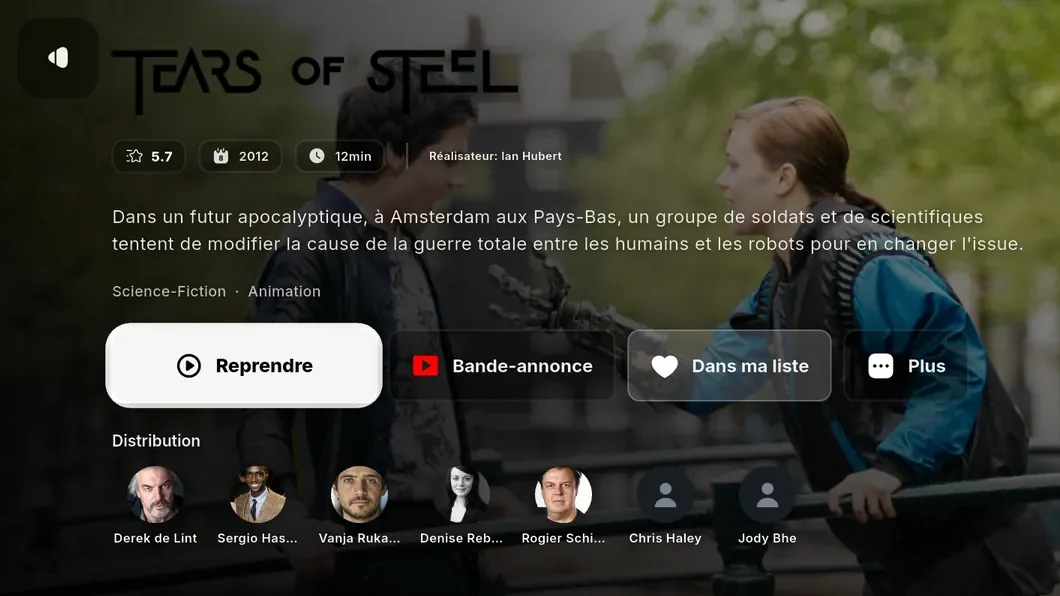
Your favourites, playlists and viewing progress sync between your devices. Away from the living room, pick up at the exact same point on your phone, or keep watching in the background with Picture-in-Picture.
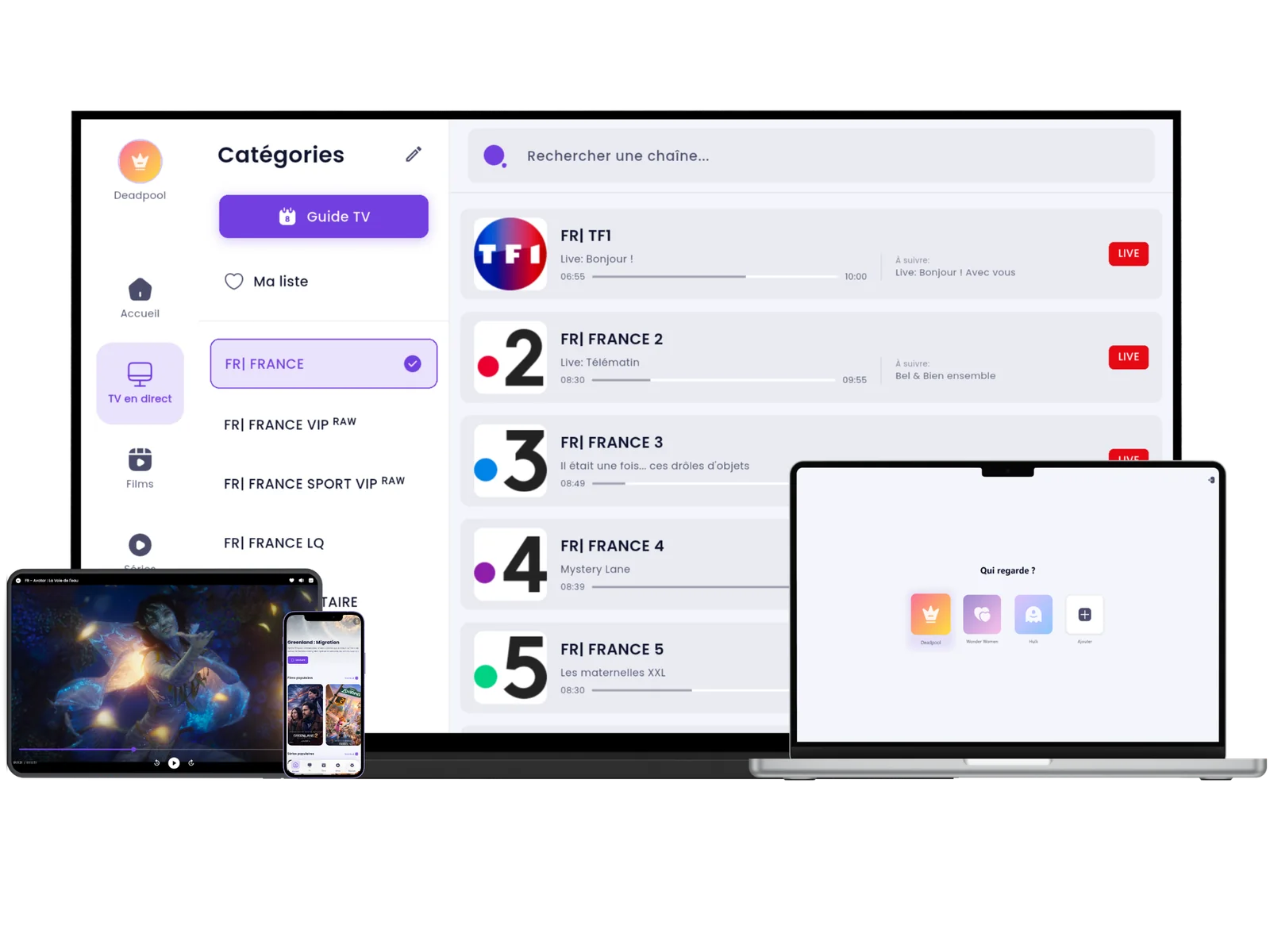
One viewing session across your devices. Start on Android TV and finish on Windows or your phone.
Keep watching in a corner of your screen while you reply to a message or browse the web.
Save films and episodes to your phone or computer to watch offline, whether you're travelling or commuting.
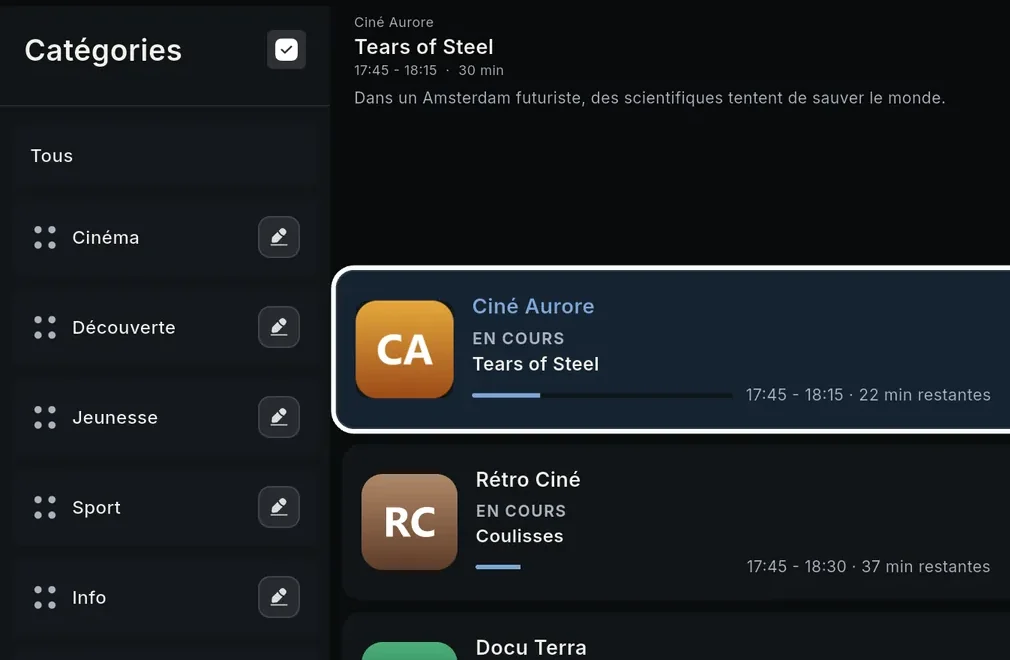
Browse the full-width electronic programme guide (EPG). See what's on, how much time is left and what's coming next.
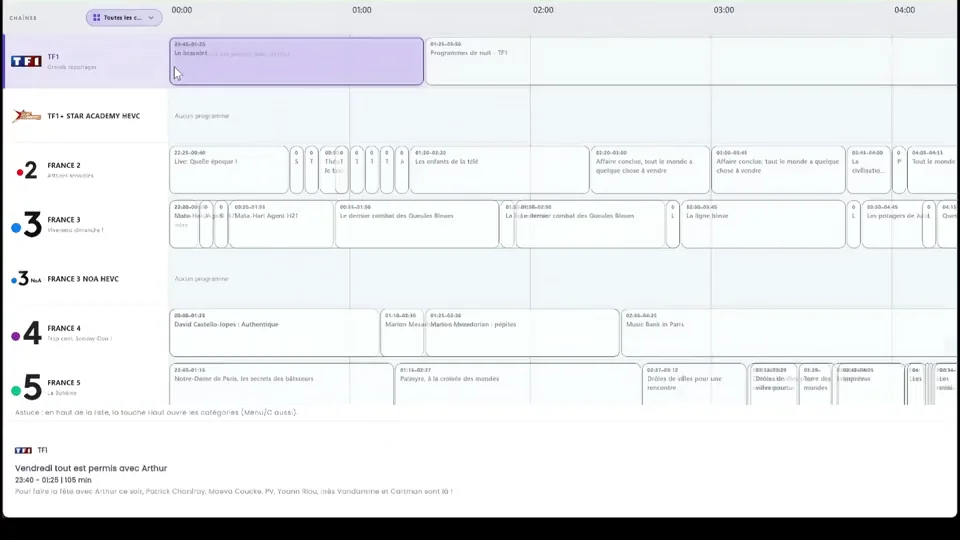
Browse the schedule and plan your evening while your current channel keeps playing.
See how far the current programme has progressed and what's next on each channel.
Preview a channel for smooth, instant channel switching.
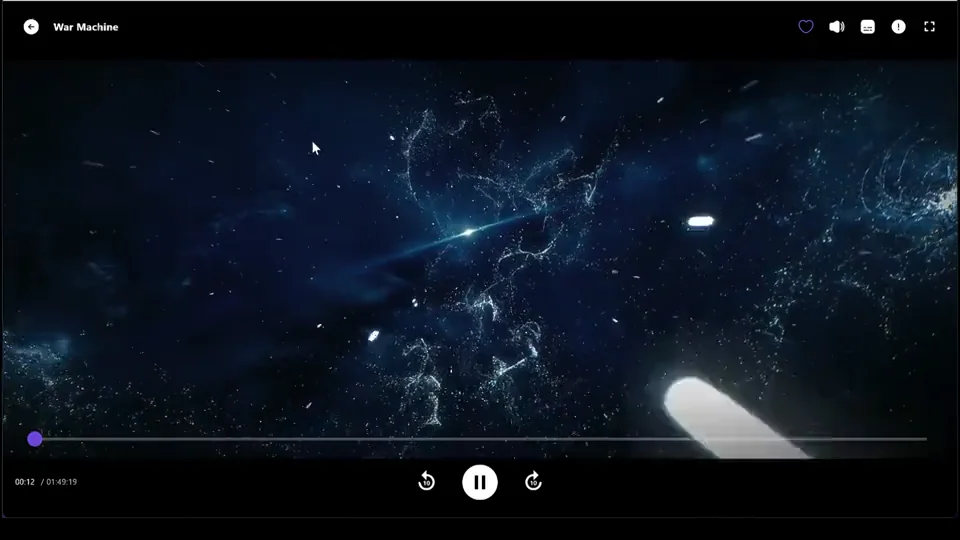
Every interaction, focus movement and menu in iAm Player is designed for your TV remote, so browsing feels natural from the sofa.
Your TV switches to a supported refresh rate that matches the content (23.976, 24, 25, 50 or 60 fps), reducing judder during camera pans.
Hardware-accelerated 4K and HDR playback on supported devices, audio track and subtitle selection, and Dolby Digital, DTS or TrueHD audio passed directly to your receiver or soundbar.
Separate buffer settings for live TV and on-demand video help reduce interruptions when your connection slows down.
Hide the channels and language packages you never watch. Reorder your favourite categories, and create separate PIN-protected profiles for everyone at home.
Install the native app on your TV, computer or phone.
Smart TVs, Nvidia Shield, Chromecast with Google TV and Android set-top boxes.
Google Play StoreA 64-bit desktop app for Windows 10 and 11, with hardware acceleration and keyboard shortcuts.
Download (.exe)Android phones and tablets, with a touch-friendly interface and support for Picture-in-Picture.
Google Play StoreThe native app for Apple devices is currently in active development.
Yes. iAm Player is free to download. Video playback, the TV guide (EPG), search and TMDB metadata are available without a subscription. Advanced features (cloud sync, new episode alerts, multiple profiles, category reordering and automatic frame rate switching) require Premium: a monthly or yearly subscription, or a lifetime licence.
No. No content is provided or included. iAm Player is solely a media player. The app does not store, host or broadcast channels or protected content. Users must supply their own lawfully obtained streams and media.
iAm Player supports common playlist standards and stream credentials with XMLTV / EPG guides. You can set up and organise multiple sources in the same interface.
Sign in to your iAm Player account on your TV, computer and phone to sync your viewing progress, history and favourites in the background. Start a film in your living room and pick up at the same point on your phone.
iAm Player is currently available on Android TV, Google TV, Android phones and tablets, and Windows. Versions for iPhone, iPad, Apple TV and macOS are in development and will be announced on our Discord server.
Most films are shot at 24 frames per second (24 fps), while TVs usually run at 60 Hz or 50 Hz, which can cause judder. Automatic refresh rate switching matches your screen to the source frame rate for smooth cinematic playback.